
LED Module Charging Indicator Lights: What Do They Mean?
Read the charger and module indicators and find out what to check when they show different colours.
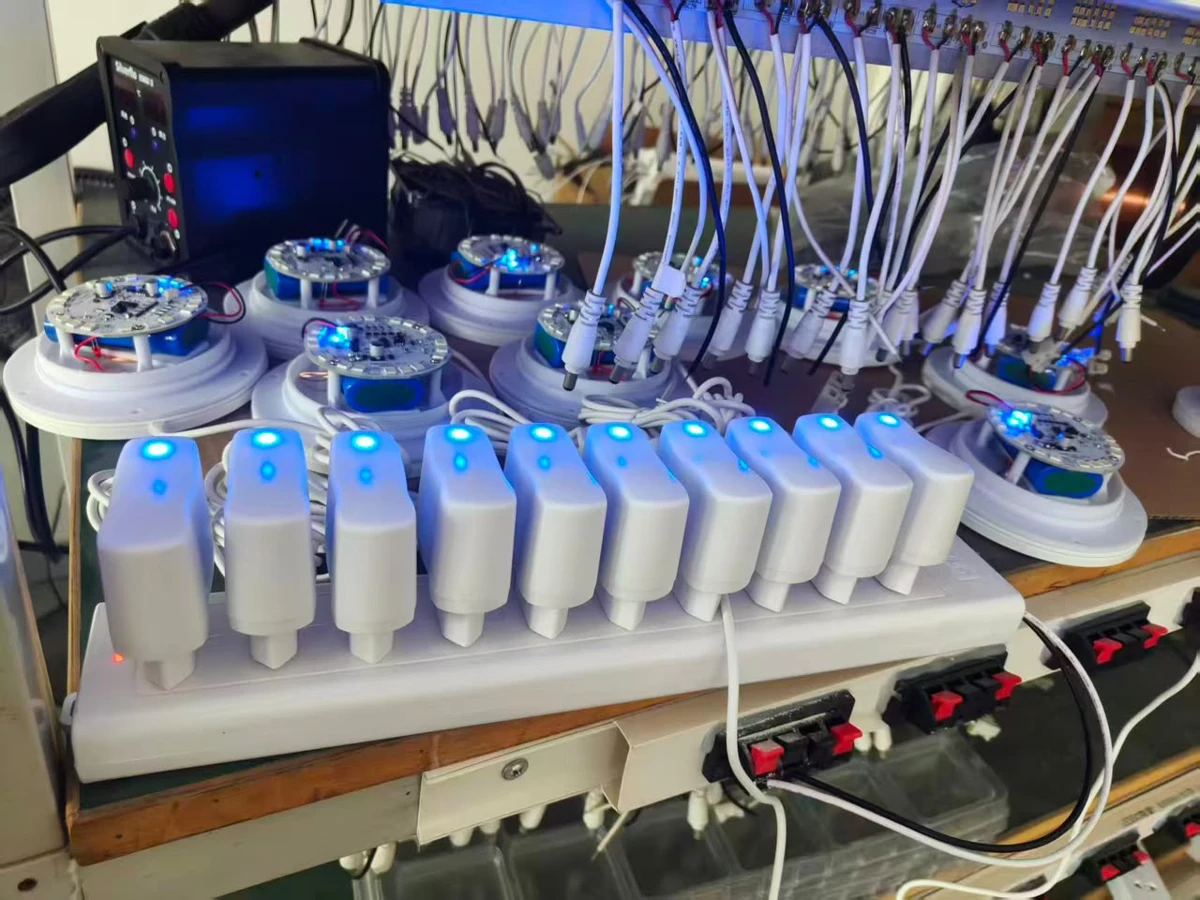
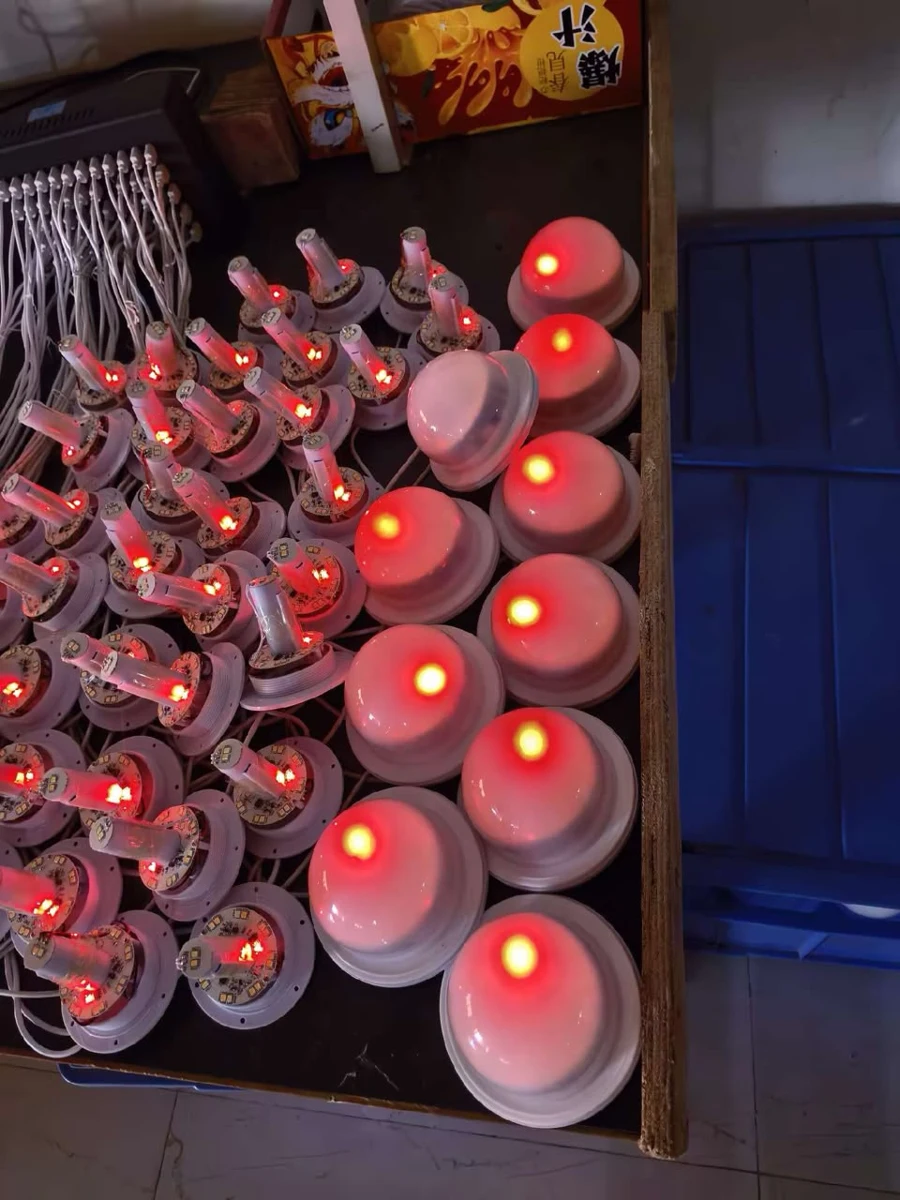
If your rechargeable lamp uses Vcan’s standard red-to-blue setup, red indicates charging and blue indicates full charge. Check where you see the light. The charger plug and the LED module can change colour at different times. If the charger turns blue while the module is still red, follow the module’s indicator and continue the normal charging cycle with the supplied or approved charger.
Red and blue charging indicators
| What you see | What it means for the standard red-to-blue configuration |
|---|---|
| Charger blue, module red | The module still indicates charging. Follow the module light during the normal charging cycle. |
| Charger red, module blue | The module indicates full charge. The charger light can change later. |
| Both red | Both indicators show charging. |
| Both blue | Both indicators show full charge. Actual runtime depends on the module, battery condition and settings. |
Why is the charger light blue while the LED module is still red?
The charger and the module report charging status from different points in the system, so one light can change before the other near the end of charging. The timing can vary by module, approved charger and charging conditions. Check the charging time specified for your setup if the module stays red.
Pre-shipment charging checks
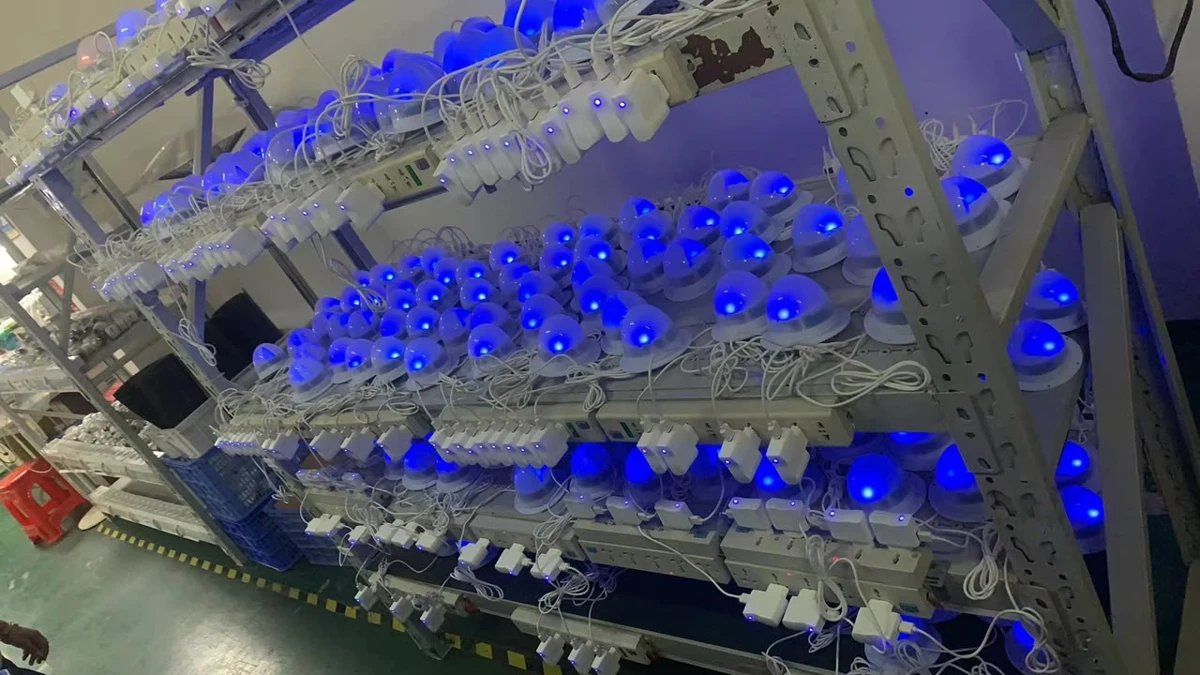
Around 00:30, the camera passes the charging rack. Small red and blue indicator lights are visible on the modules, along with illuminated indicators on the charger plugs. The larger areas of coloured light are the lamps themselves.
For OEM sample approval, see our guide to matching the rechargeable LED module and charger.
Why does my charger stay blue when I connect the lamp?
One customer saw the plug switch from blue to red on one charger, while another stayed blue with the same lamp. If the module’s own indicator is visible, check it first. Some OEM orders use a steady blue or green plug light, so the colour on those plugs stays the same throughout charging. If the plug is expected to change colour, confirm that it is the approved charger for the module and note what both lights do when you connect them.
If the module stays red beyond the specified charging time, or shows blue but runs for much less time than expected, ask Vcan to check your setup. A photo of the module and a photo of the charger label are enough to start.
If your unit charges on a separate base, check the instructions for that base. See how direct and induction charging differ.
Which indicator should customers use when the module is inside furniture?
An indicator on the plug is easy to see when the module is hidden inside an illuminated chair, planter or other finished product. For designs where the module indicator is easy to see, OEM buyers can specify a plug without a status light or with a steady blue or green light. If the plug has a steady light, tell users to read the module’s indicator for charge completion. Agree on the indicator behaviour with Vcan at sample approval and describe it in the instructions supplied with the finished product.
Can the lamp stay on while it is charging?
Check the instructions supplied with your lamp to see whether your module and approved charger support use while charging. If the instructions are unclear, ask Vcan to check your setup before using the lamp while it charges.
For routine charging, Vcan recommends switching the lamp off and unplugging it once the module indicates full charge.
If a charger shows melting, discoloration or other signs of overheating, stop using it. Disconnect power if it is safe to do so and contact the supplier.
Frequently asked questions
Is the battery full if the charger light stays blue or green?
On a charger ordered with a steady blue or green light, read the module indicator for charge status. On the standard module, red indicates charging and blue indicates full charge.
What if the charging light stays red longer than expected?
First check which light is red. If the module indicator is still red after the specified charging time, ask Vcan to check your setup. If you know how long it was connected, include that detail.
Why does my LED lamp run for only a short time after a blue light?
Check where you saw the blue light. If it was on the charger and the module was still red, follow the module indicator during the normal charging cycle. If the module itself showed blue and runtime was still short, send Vcan the charger label, charging time and the brightness or lighting mode used. See how brightness and colour affect LED module runtime.