
Vcan LED modules · matching custom remotes
Can We Customise the Remote Supplied with Vcan LED Modules?
Customise your module-and-remote configuration around how your customers use the light—not a standalone remote service.
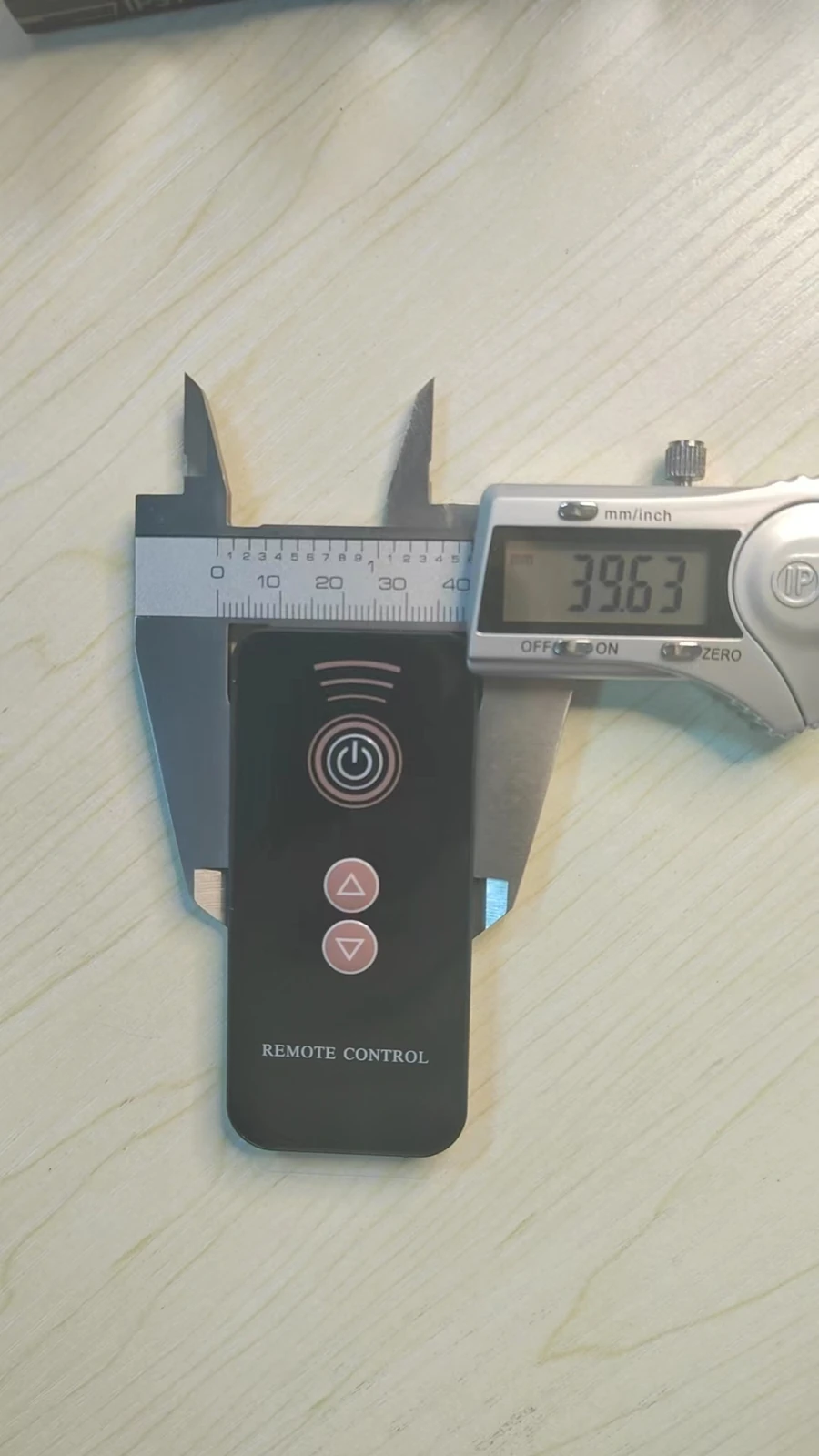
For a Vcan LED module project, the matching remote can be reviewed for custom faceplate artwork and supported control functions. Vcan does not offer standalone remote-control manufacturing or customisation services. The remote is configured to work with the Vcan modules supplied for your lighting product.
Start with what your customers need to do: turn the light on, adjust brightness or choose a warmer white-light setting. The artwork and the Vcan module response need to work together.
This is different from keeping a remote you already own. That requirement is covered in our existing-remote code-matching guide. Here, the buyer wanted a customer-specific remote for their own lighting product.
The light works, but can we make it easier for our customers to operate?
The collaboration began in 2023 with samples of an 85 mm induction-charging LED module. As the customer developed the product, the requirements extended beyond the light engine to the remote's appearance, the white-light effect and the way users selected settings.
The customer explained that some users found the existing on/off operation confusing. A remote offered another way to operate the lamp, and the customer wanted a design that felt appropriate for their own product rather than simply accepting the standard front panel.
For your project, identify the user action that needs improving before choosing a faceplate. A white-light lamp, for example, may need clearly separated brightness and white-light controls rather than a panel filled with colour-effect buttons.
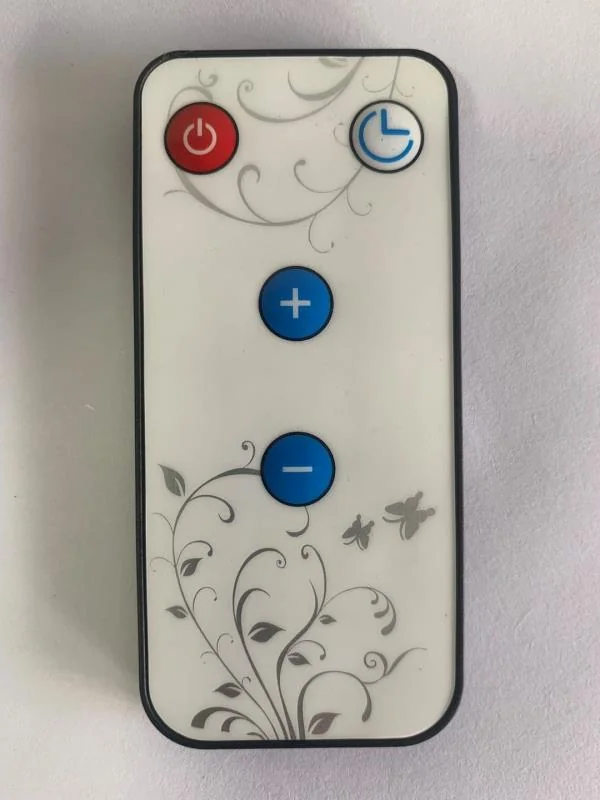
Changing the front artwork and changing the operation are different decisions.
The buyer asked for dimensions so they could prepare their own front design and send it as a PDF. At one stage, the intention was to keep the button positions and change only the panel. Later correspondence also discussed removing the timer function and using different symbols for brightness and warm-white adjustment.
| Your requirement | What needs checking? |
|---|---|
| Your logo, colours or graphics | The artwork template, print area and visual approval |
| Different button symbols or functions | The printed symbol, remote command and module response |
| Different button positions or number of buttons | Feasibility with the selected remote construction; artwork alone does not change the hardware |
| A particular rear casing colour | Available casing options, separately from the front-panel design |
Request the template for the selected remote before finalising artwork. A measurement on a reference remote does not define the complete print area, button centres or dimensions of another construction. Review the control-options guide if the underlying control method also needs to change.
Removing a timer symbol or adding a warm-light symbol does not by itself change the electronics. Confirm what each button sends and how the matched module responds.
Can we have several warm-white settings as well as several brightness levels?
That became part of this customer's configuration: a custom remote controlling stepped brightness and several warm-white settings. These are separate adjustments. Brightness changes how intense the light is; the warm-white setting changes its white-light appearance.
The customer also explained that the light looked cooler than desired when combined with white glass. This is why the finished lamp matters: evaluate the selected white-light settings inside the actual glass or translucent shell, rather than approving only the bare module's appearance.
The supplied order correspondence included a 2000 K to 3000 K adjustable-white requirement. Both ends of that interval are warm-white values. A “cooler” setting within this range is not the same as a daylight cool-white configuration, and the range is not a standard specification for every Vcan module.
- Define the levels. Agree how many brightness and white-light settings your product needs, with their target values.
- Define the operation. Specify which buttons select those settings and the required sequence.
- Test the combination. Check the actual remote with the selected module, installed in the intended lamp.
Do not assume that a fixed-white module gains adjustable white light simply because a new remote has a white-light button. The LED configuration and control program must support the intended result. See white-only and RGBW module configurations for the separate light-source selection question.
From 85 mm samples to repeated orders and an ongoing collaboration.
The sample stage in 2023 was the beginning, not the end of the project. The collaboration continued through customer-specific remote design, warm-white configuration and stepped brightness and white-light control. The customer has since placed repeated orders several times a year, and the relationship is ongoing.
For a similar project, the practical lesson is to keep an agreed reference for the module configuration and remote functions as the design develops. A repeat order should identify the version required, rather than relying on a remote photograph or the phrase “the same warm white.”
This is one customer's development path, not a universal remote specification or a promise that every module supports the same settings. Quantity, available constructions and customisation scope should be confirmed for the new project.
What should you send for a Vcan module-and-remote project?
- Your lamp and intended user: a photo or sketch, the Vcan LED module you use or plan to order, and the operation you want to make easier. If you have not chosen a Vcan module, describe the application so the module and remote can be reviewed together.
- Your preferred appearance: draft artwork, logo or a reference, with the selected remote template requested before final artwork approval.
- A button-by-button function list: on/off, brightness levels and white-light settings where supported. Separate these from the printed design.
- Your sample check: how the matching remote and Vcan module will be tested together in the finished lamp.
- The order requirements: module quantity, casing or packaging preferences, and the configuration to be retained on later orders.
If a handheld remote is unnecessary, compare button-controlled white LED modules. The right interface depends on the user and access in the finished product, not on adding the largest possible number of controls.
Custom remote questions
Can we order a custom remote without Vcan LED modules?
No. Remote customisation is offered as part of a Vcan LED module project. Vcan does not offer standalone remote-control manufacturing or customisation services.
Can we supply our own artwork for the remote supplied with Vcan LED modules?
Yes. For a Vcan LED module project, supply your draft artwork and request the template or dimensions for the selected matching remote. The faceplate, button positions, casing and supported functions must be reviewed together; a PDF design alone does not define the electronics.
Can the remote adjust both brightness and warm-white appearance?
A supported remote-and-module configuration can be reviewed for separate brightness levels and warm-white settings. The project described here included both. Agree the required levels and sequence for your project; they are not standard functions of every Vcan module.
Does a different printed symbol change what the module does?
No. The printed design, transmitted command and programmed module response must agree. Removing a timer symbol or adding a white-light symbol to the artwork does not by itself change the control electronics.
Is customising a new remote the same as using our existing remote?
No. This guide concerns a new customer-specific remote and module configuration. To retain an existing remote, provide control-code information or a working remote sample for a separate compatibility review.
Vcan LED modules with matching controls
Need Vcan LED modules with a custom remote?
Send your lamp requirements, preferred remote appearance and required functions. Vcan can review a suitable rechargeable LED module and its matching remote configuration before artwork and sample approval. Remote customisation is part of the Vcan module project, not a separate remote-only service.